

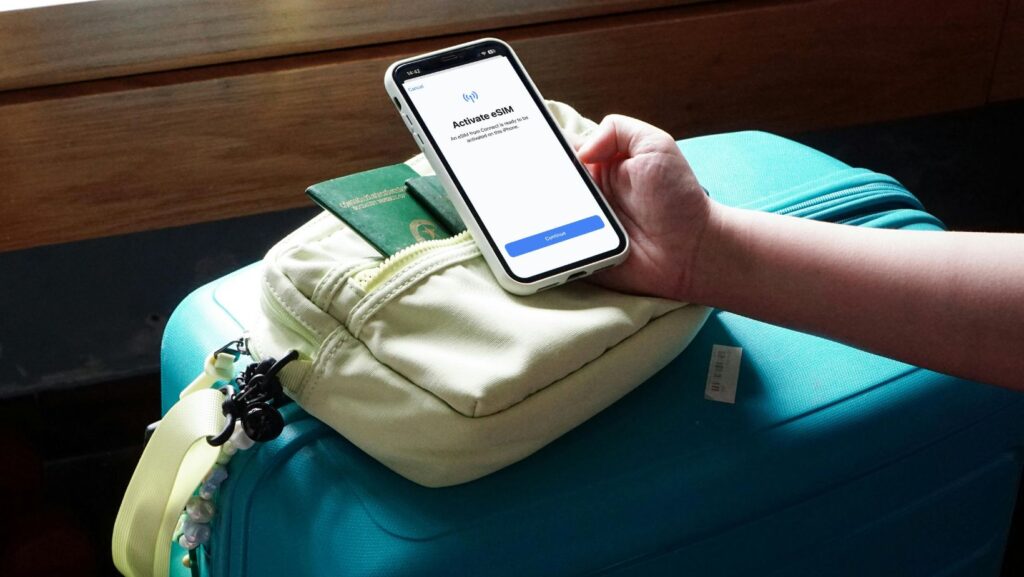
I still remember the first time I heard about eSIMs. I was at an airport in Dubai, watching someone frantically trying to swap their SIM card with one of those tiny ejector tools, and they dropped it. The SIM card just… disappeared. Gone. Under a seat somewhere, never to be seen again.
That’s when my friend told me she didn’t have to deal with that anymore because she was using an eSIM. I had no idea what an eSim was at the time, and honestly, it sounded like some complicated tech thing I’d never understood.
Turns out, it’s actually pretty simple. And once you get it, you’ll wonder why we ever dealt with those fiddly little plastic cards in the first place.
So What Actually Is an eSIM?
Right, let’s start with the basics.
An eSIM is basically a digital SIM card that’s already built into your phone. There’s no physical card to insert or swap out. Everything happens electronically.
Think of it like this: remember when we used to buy CDs for music? Then we moved to downloading MP3s instead. An eSIM is kind of the same shift—from physical to digital. Your phone still needs a SIM to connect to mobile networks, but now it’s embedded in the device itself.
The “e” stands for “embedded,” which makes sense when you know it’s soldered directly into your phone’s motherboard during manufacturing.
How Does It Actually Work?
Here’s where it gets interesting, and honestly, where I was most confused at first.
With a regular SIM card, all your carrier information—your phone number, network settings, all that stuff—is stored on the physical card itself. When you want to switch carriers, you swap the card.
With an eSIM, that same information is stored digitally on a chip that’s permanently in your phone. When you want to switch carriers or add a new plan, you don’t swap anything physically. You just scan a QR code or download a profile, and boom—you’re connected.
Understanding how eSim works really clicked for me when I thought about it like installing an app. You’re not physically changing your phone’s hardware—you’re just adding new software instructions that tell it which network to connect to.
The technical bit (which you can skip if you want): your phone has something called an eUICC chip—that’s the embedded Universal Integrated Circuit Card. This chip can store multiple carrier profiles at once. So you can have your home carrier and a travel data plan active simultaneously, switching between them in your settings whenever you want.
My First Experience Using an eSIM
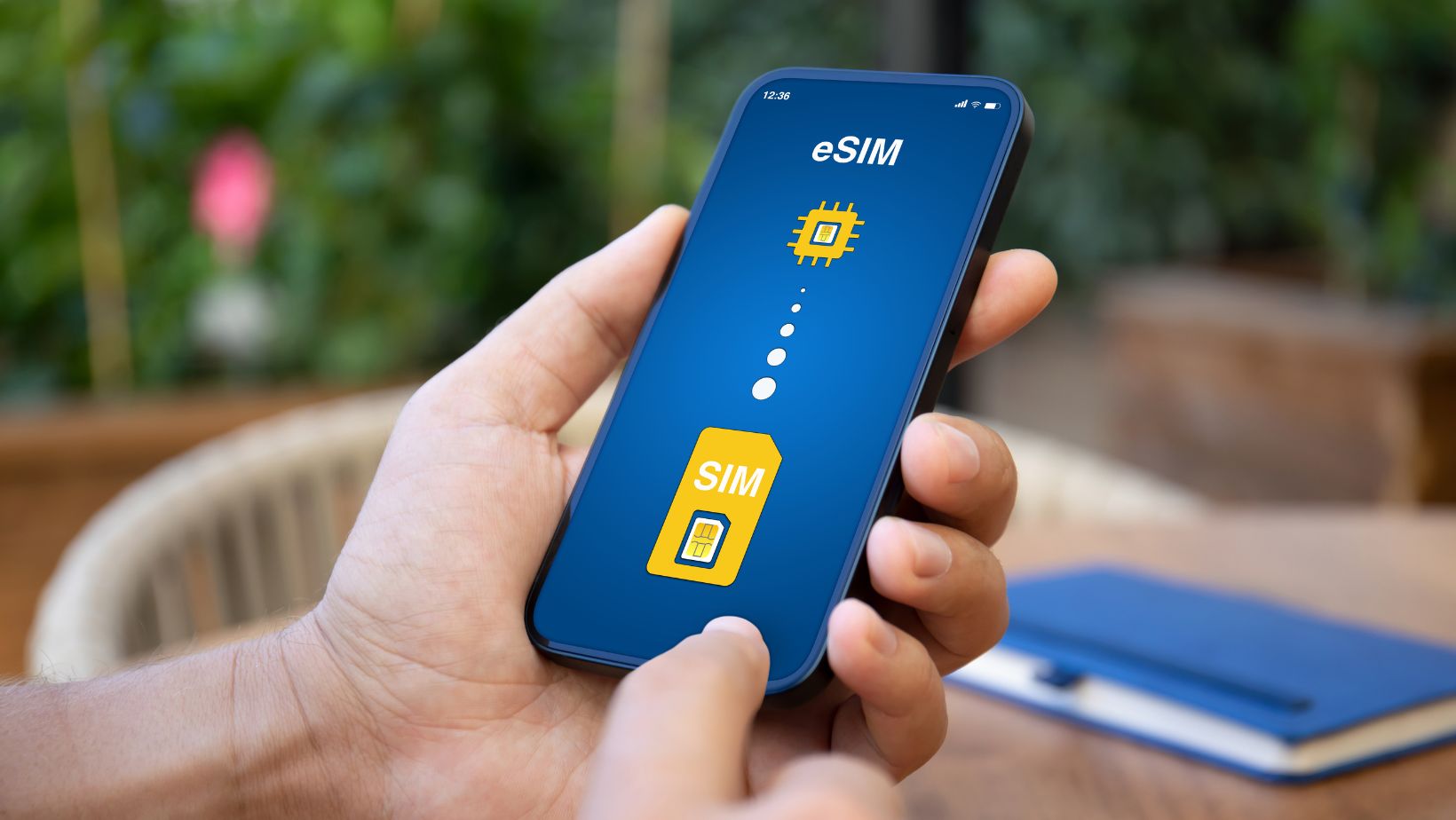
I finally tried an eSIM myself on a trip to the States last year. I was heading to New York for about ten days, and I really didn’t want to deal with roaming charges or hunting down a T-Mobile store at JFK.
So I bought a travel eSIM for USA before I left home. The whole setup took maybe five minutes:
- I bought a data plan online (while sitting on my couch in my pajamas, which felt weirdly futuristic)
- They emailed me a QR code
- I went to Settings > Cellular > Add Cellular Plan on my iPhone
- Scanned the code with my camera
- Labeled it “USA Data” so I could tell it apart from my regular SIM
That was it. No airport queues, no trying to explain what kind of plan I wanted to someone when I’m jet-lagged and cranky, no worrying about losing a tiny piece of plastic.
When I landed at JFK, I just turned on data roaming for the eSIM profile, and it connected automatically. I was looking up subway directions before I even left the airport. My UK number stayed active too—I could still get texts and calls, I just used the eSIM for all my data.
It genuinely felt like magic.
The Dual SIM Thing That Changed Everything
This is probably my favorite part about eSIMs, and it’s something I didn’t fully appreciate until I actually used one.
Most modern phones let you use your regular physical SIM and an eSIM at the same time. That means you can keep your normal phone number active for calls and texts while using a local data plan for internet.
Why does this matter? Well:
You don’t miss important stuff from home. Banking alerts, two-factor authentication codes, messages from your mum asking if you’ve eaten—all of that still comes through to your regular number.
You avoid insane roaming charges. My UK carrier charges something like £6 a day for roaming in the US. For a ten-day trip, that’s £60. The eSIM data plan I bought cost me about £25 total.
You can actually use your phone normally. No more rationing your data or desperately searching for WiFi to load Google Maps. You just… use your phone like you do at home.
Before I discovered this, I’d either pay through the nose for roaming or basically not use my phone except on hotel WiFi. Both options were rubbish, honestly.
Which Phones Actually Support eSIM?
Not every phone can do this yet, which is worth knowing before you get too excited.
If you’ve got a relatively recent iPhone, you’re probably good. iPhones from the XR and XS onwards support eSIM. In the US, the iPhone 14 and newer actually don’t have a physical SIM card slot at all—they’re eSIM only.
For Android, it’s a bit more varied. Most flagship phones from Samsung (Galaxy S20 and up), Google Pixel (from Pixel 3 onwards), and other major brands support it, but not all models do.
The easiest way to check if your phone supports eSIM:
iPhone: Go to Settings > Cellular (or Mobile Data) and look for an “Add Cellular Plan” option. If it’s there, you’ve got eSIM capability.
Android: Go to Settings > Connections > SIM Manager and look for “Add eSIM” or “Add Mobile Plan.”
You can also dial *#06# from your phone’s dialer. If you see an EID (Embedded Identity Document) number listed, your phone has eSIM capability.
One more thing: your phone needs to be unlocked. If you’re still paying off your phone through your carrier or it’s locked to them, you’ll need to get it unlocked first. Most carriers will do this pretty quickly if you ask—sometimes instantly, sometimes within 24 hours.
What’s Better: eSIM or Regular SIM?
I get asked this a lot, and honestly, it depends on what you’re doing.
eSIMs are brilliant for:
- Traveling. This is where they really shine. No more airport SIM card kiosks, no more keeping track of tiny plastic cards, no panic about losing your home SIM.
- Trying different carriers. Want to test a different network? Just download their eSIM profile. Don’t like it? Switch back. No need to visit a shop or wait for anything in the post.
- Having multiple numbers. If you want a work number and personal number on the same phone, eSIM makes this stupidly easy.
- Environmental reasons. Less plastic waste from SIM cards and packaging. Not the main reason to switch, but it’s a nice bonus.
Regular SIMs still make sense for:
- Older phones. If your phone doesn’t support eSIM, well, you don’t have a choice.
- Sharing plans. You can physically give someone your SIM card if needed. Can’t really do that with an eSIM.
- Some specific networks. A few carriers still don’t offer eSIM plans, though this is becoming increasingly rare.
For me, I keep my regular SIM as my main number and use eSIMs when I travel. Best of both worlds.
Common Questions I Had (And You Probably Do Too)
Can I use the same eSIM in multiple countries?
Depends on the plan. Some eSIM providers offer regional or global plans that work in loads of countries. Others are single-country specific. Always check before you buy.
What if I get a new phone?
Most eSIMs can be transferred to a new device, but the process varies by carrier. Some let you move it yourself through their app, others require you to contact support. It’s usually straightforward, just slightly more involved than popping a physical SIM into your new phone.
Can I still use my eSIM if my phone breaks?
If your phone is completely dead, you’ll need to get a new eSIM profile from your carrier for your replacement phone. Unlike physical SIMs where you can just move the card, eSIM profiles are tied to your specific device. Most carriers will sort this quickly, but it’s worth knowing.
Do eSIMs cost more?
Not really. The eSIM itself is just the technology—you still pay for whatever data or calling plan you choose, same as with a regular SIM. For travel specifically, eSIMs often work out cheaper because you can buy exactly the data you need without long-term contracts.
Are eSIMs safe?
Yeah, they’re generally considered as secure as—or more secure than—physical SIMs. Because there’s nothing physical to steal or swap, it’s actually harder for someone to hijack your number through SIM swapping scams. Your eSIM is locked to your specific device.
Setting Up an eSIM (The Actually Simple Version)
I’m not going to give you a massive step-by-step guide here because it’s genuinely simple, and the exact steps vary slightly depending on your phone and carrier.
But basically:
- Buy an eSIM plan from your chosen provider
- They’ll email you a QR code (usually instantly, sometimes within a few minutes)
- Go to your phone’s cellular/mobile data settings
- Select “Add eSIM” or “Add Cellular Plan”
- Scan the QR code with your camera
- Follow the prompts (it’s like three taps)
- Name your plan something memorable like “Travel Data” or “USA eSIM”
The whole thing takes less time than making a cup of tea.
Most providers also include instructions with your QR code, and if you get stuck, you can usually find video guides on YouTube that show exactly what to do for your specific phone model.
If you’re planning a trip to the USA and want more detailed info on using eSIMs there, check out this USA eSIM guide which covers everything from network coverage to data plan sizing.
When Things Go Wrong (And How to Fix Them)
I’d love to say everything always works perfectly, but sometimes it doesn’t. Here are the issues I’ve encountered and how to sort them:
QR code won’t scan: Make sure you’re displaying it on a screen (not a printed page, oddly some phones struggle with that). If it’s still not working, most providers also give you a manual activation code you can type in instead.
eSIM installed but no connection: First thing: restart your phone. Sounds stupid, but it works about 80% of the time. Also make sure data roaming is turned ON for your eSIM profile—this trips people up because normally you’d turn roaming off to avoid charges.
Can’t receive calls on your regular number: Check that both your physical SIM and eSIM are set correctly in your settings. You want your regular SIM for calls and your eSIM for data. Sometimes phones default to using the most recently added profile for everything.
Used all your data: Most eSIM providers let you top up instantly through their website or app. You don’t need to install a new eSIM, just add more data to your existing one. Usually takes a few minutes to activate.
Slow speeds: You might be in an area with poor coverage for your specific network. If your eSIM provider uses multiple carriers, try manually selecting a different network in your settings.
The Future Is Probably All eSIM
Apple’s already started selling iPhones in the US that don’t have physical SIM card slots at all. They’re eSIM-only devices. And honestly, I think that’s where everything is heading.
It makes sense from a design perspective—phones can be slightly thinner and more water-resistant without a SIM card tray. It’s better for consumers because you’re not tied to physical cards. And it’s definitely better for the environment with less plastic waste.
Some people don’t love the idea of being entirely dependent on eSIM technology, and I get that. There’s something reassuring about having a physical card you can pop out and swap around. But I reckon once you’ve used eSIMs for a while, you don’t really miss physical SIMs.
Plus, carrier support is getting better all the time. Most major networks worldwide now offer eSIM options, and that coverage is only going to improve.
Final Thoughts
Look, I’m not going to pretend eSIMs are going to change your life or anything dramatic like that. But they are genuinely useful, especially if you travel at all.
The main thing I want you to take away from this is that eSIMs aren’t complicated. They’re actually simpler than dealing with physical SIM cards once you get past the initial “wait, how does this work?” moment.
For me, the biggest benefit is just the convenience. No more carrying around a little plastic case with old SIM cards from different countries. No more panic about losing a SIM card at the worst possible moment. No more paying ridiculous roaming charges.
You just buy a plan online, scan a code, and you’re sorted. It feels like how things should have worked all along.
If you’ve got an eSIM-capable phone and you’ve never tried using one, I’d say give it a go next time you travel. Start with something simple—a short trip where you’re not too far from home.